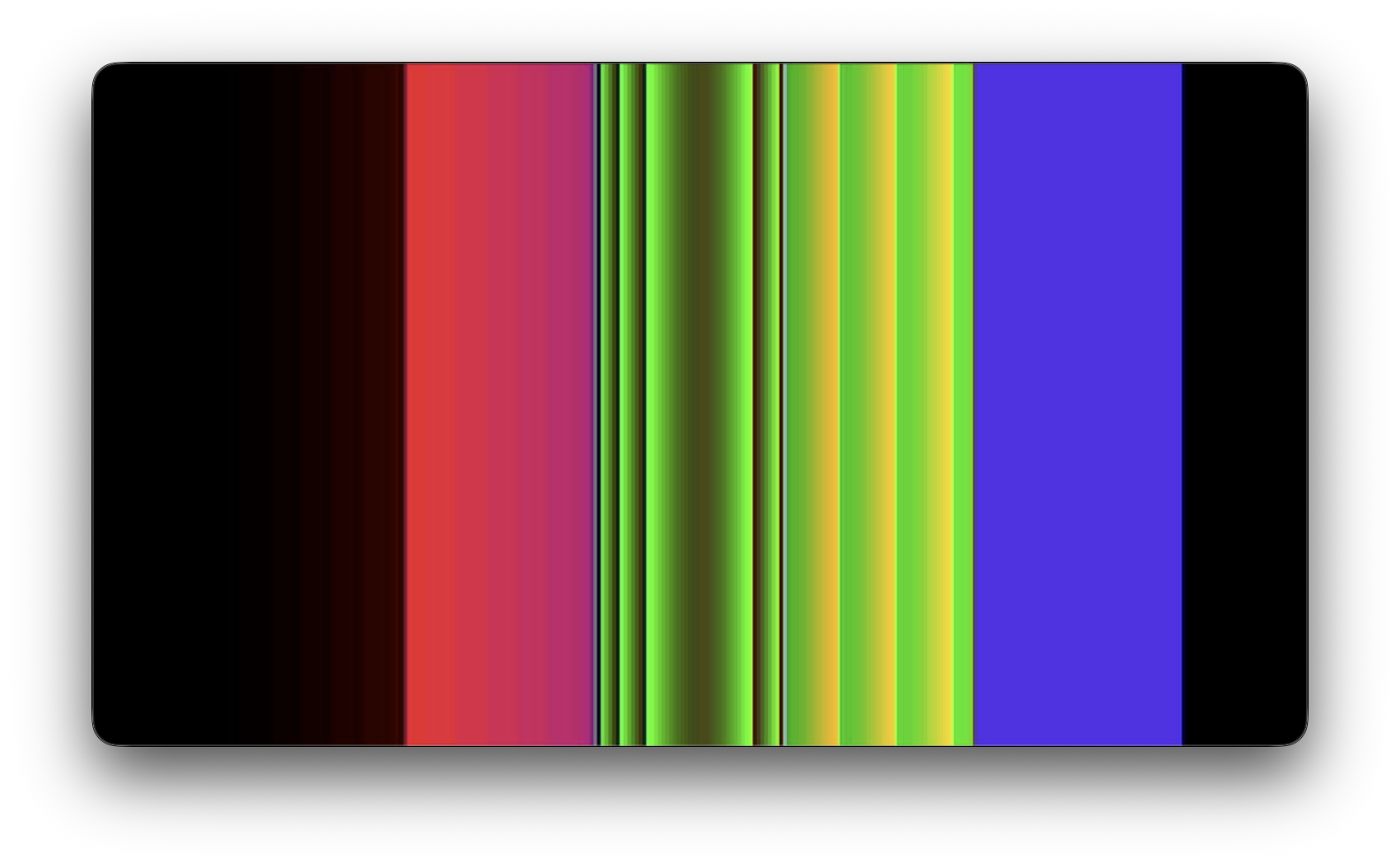
Color palette snippets
Copy these into your palettes.ino file, then switch between them in the portion of your loop() function where we update the potentiometers!
void loop() {
  // Update our input controls!
  keypad.tick();
  handleKeypad();

  // Update the LFOs
  for (int i = 0; i < numLFOs; i++) {
    lfos[i].update();
  }

  // Update potentiometers... and the color palettes, which use them
  if (millis() > nextPotUpdateTime) {
    updatePots();
    nextPotUpdateTime = millis() + potIntervalMS;

    if (potsUpdated || previousActivePalette != activePalette || activatedAnyFX) {

      // Paste your palette functions into the cases of this switch statement!
      switch(activePalette) {
        case 0:
          setGrayscalePalette();
          break;
        case 1:
          setFourColorPalette();
          break;
        case 2:
          setGradientPalette();
          break;
        case 3:
          setWavePalette();
          break;
        default:
          break;
      }

  //...file continues
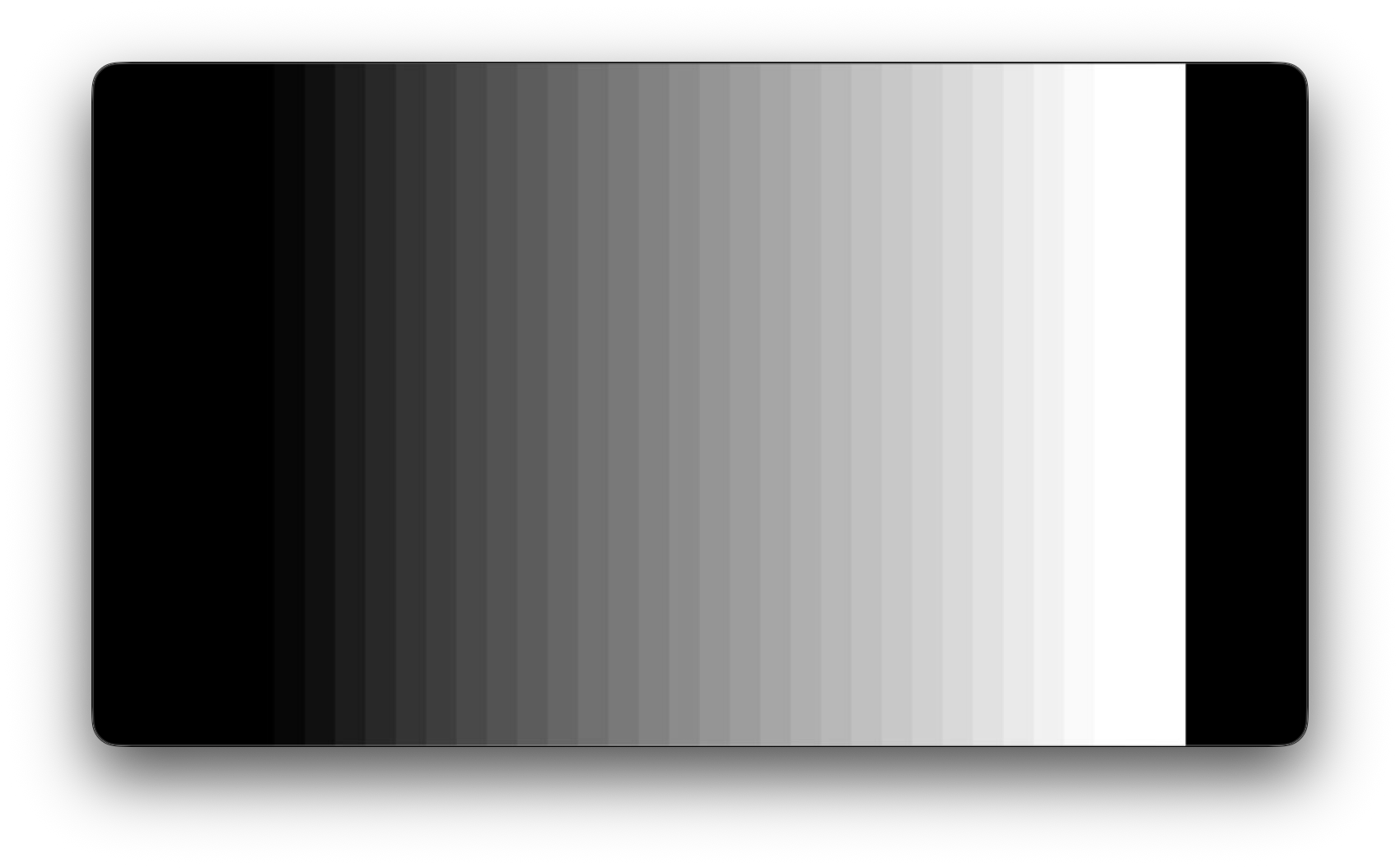
Grayscale
A simple grayscale palette -- note the bitwise and operation to squash the 6th bit of precision that we would normally get in the green channel.
void setGrayscalePalette() {
  for (int i = 0; i < 256; i++) {
    int grayLevel = i & 0b11111000;
    display.setColor(i, grayLevel, grayLevel, grayLevel);
  }

  // Sync color palette data to the other framebuffer
  display.swap(false, true);
}
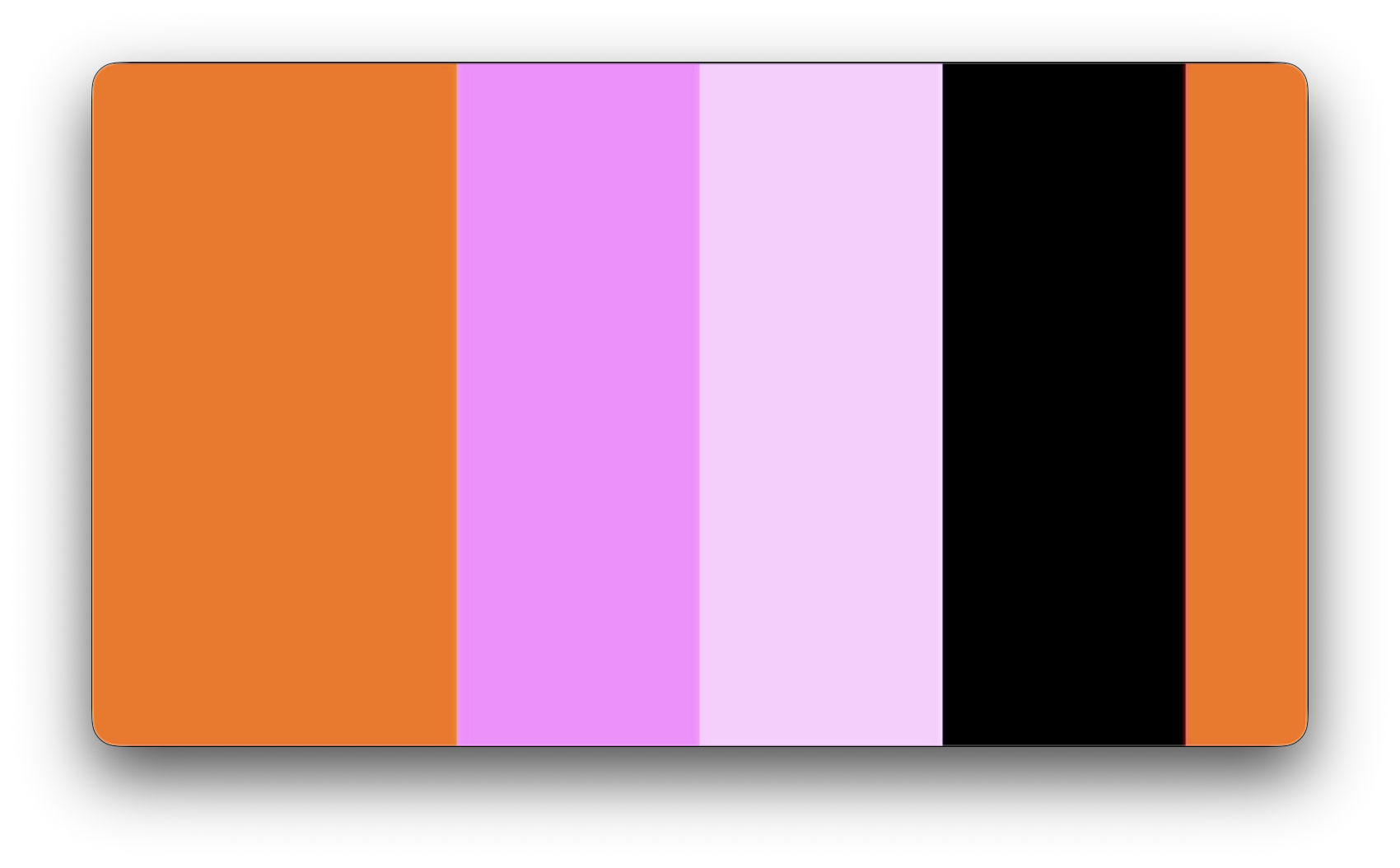
Solids
Four RGB colors, one per column in the color knobs section.
void setFourColorPalette() {
  for (int i = 0; i < 4; i++) {

    int r = potMap(4 + i, 0, 255);
    int g = potMap(8 + i, 0, 255);
    int b = potMap(12 + i, 0, 255);

    for (int j = 0; j < 64; j++) {
      display.setColor(i * 64 + j, r, g, b);
    }
  }

  // Sync color palette data to the other framebuffer
  display.swap(false, true);
}
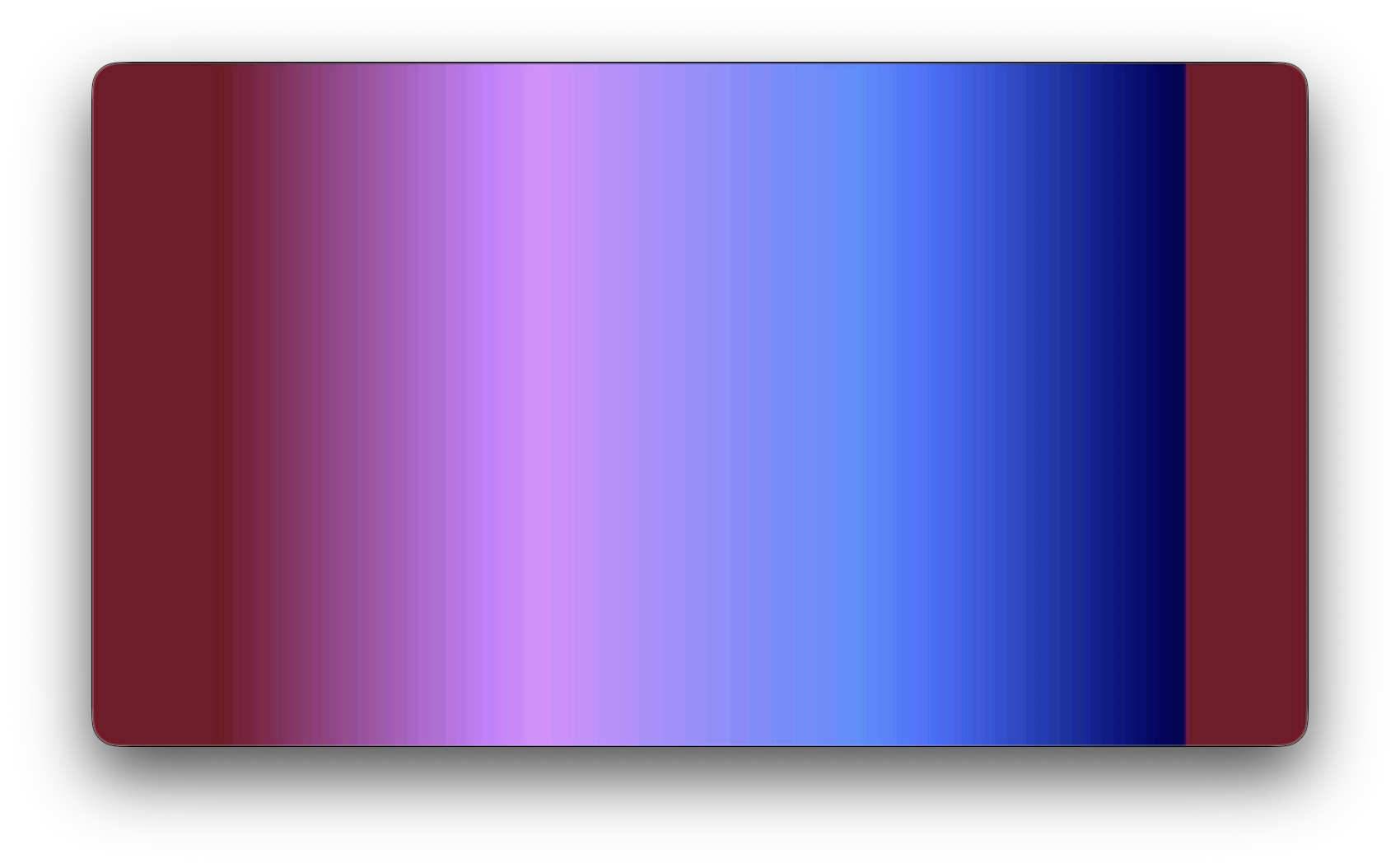
Gradient
A gradient with linear interpolation.
void setGradientPalette() {
  //four-point gradient as four 64-sample sections
  for (int i = 0; i < 3; i++) {
    for (int j = 0; j < 85; j++) {
      display.setColor(
        i * 85 + j,
        lerp(potMap(4 + i, 0, 255), potMap(5 + i, 0, 255), j/85.0),
        lerp(potMap(8 + i, 0, 255), potMap(9 + i, 0, 255), j/85.0),
        lerp(potMap(12 + i, 0, 255), potMap(13 + i, 0, 255), j/85.0)
      );
    }
  }
  display.setColor(255, potMap(7, 0, 255), potMap(11, 0, 255), potMap(15, 0, 255));
  display.swap(false, true);
}

int lerp(int a, int b, float t) {
  return a + (int)((b - a) * t);
}
Ramp palette
Overlapping sawtooth waves in the R, G, and B channels with controllable frequency, offset, min, and max.
void setRampPalette() {
  int rRate =   potMap(4, 0, 32);
  int rOffset = potMap(5, 0, 256);
  int rMin =    potMap(6, 0, 256);
  int rMax =    potMap(7, 0, 256);
  int gRate =   potMap(8, 0, 32);
  int gOffset = potMap(9, 0, 256);
  int gMin =    potMap(10, 0, 256);
  int gMax =    potMap(11, 0, 256);
  int bRate =   potMap(12, 0, 32);
  int bOffset = potMap(13, 0, 256);
  int bMin =    potMap(14, 0, 256);
  int bMax =    potMap(15, 0, 256);

  for (int i = 0; i < 256; i++) {
    int r = ((i * rRate) + rOffset) % (rMax - rMin) + rMin;
    int g = ((i * gRate) + gOffset) % (gMax - gMin) + gMin;
    int b = ((i * bRate) + bOffset) % (bMax - bMin) + bMin;
    display.setColor(i, r, g, b);
  }

  // Sync color palette data to the other framebuffer
  display.swap(false, true);
}
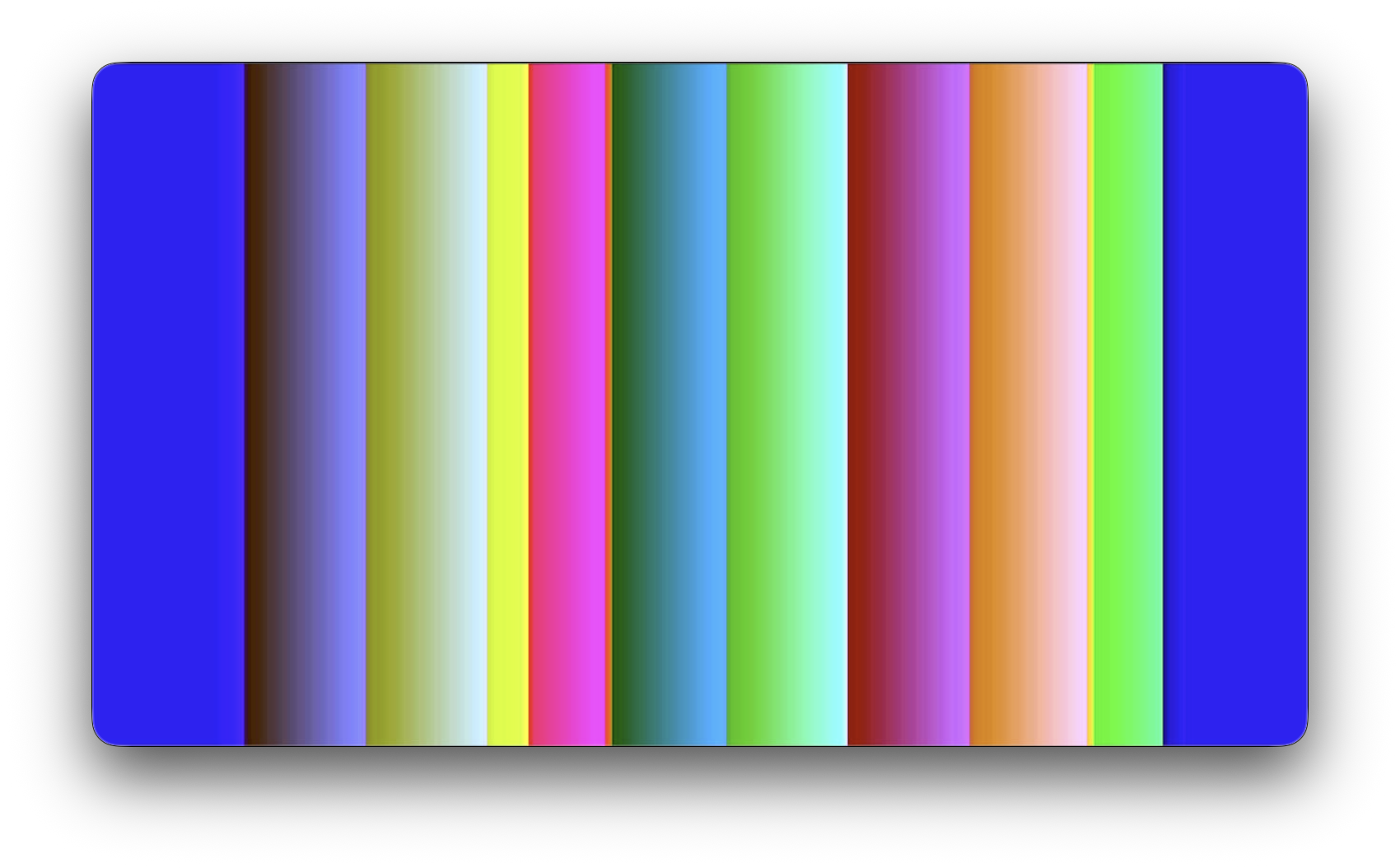
Wave palette
Overlapping sine waves in the R, G, and B channels with controllable frequency, amplitude, phase, and offset.
void setWavePalette() {
  float rFrequency = (float)(pots[4] / 1023.0);
  float gFrequency = (float)(pots[8] / 1023.0);
  float bFrequency = (float)(pots[12] / 1023.0);

  float rAmplitude = (float)(pots[5] / 1023.0);
  float gAmplitude = (float)(pots[9] / 1023.0);
  float bAmplitude = (float)(pots[13] / 1023.0);

  float rPhase = (float)(pots[6] / 1023.0);
  float gPhase = (float)(pots[10] / 1023.0);
  float bPhase = (float)(pots[14] / 1023.0);

  float rOffset = (float)(pots[7] / 1023.0);
  float gOffset = (float)(pots[11] / 1023.0);
  float bOffset = (float)(pots[15] / 1023.0);

  for (int i = 0; i < 256; i++) {
    float r = rOffset + rAmplitude * sin((rFrequency / 8.0) * i + rPhase * TWO_PI);
    float g = gOffset + gAmplitude * sin((gFrequency / 8.0) * i + gPhase * TWO_PI);
    float b = bOffset + bAmplitude * sin((bFrequency / 8.0) * i + bPhase * TWO_PI);

    uint8_t rFinal = constrain(round(r * 255), 0, 255);
    uint8_t gFinal = constrain(round(g * 255), 0, 255);
    uint8_t bFinal = constrain(round(b * 255), 0, 255);

    display.setColor(i, rFinal, gFinal, bFinal);
  }
  display.swap(false, true);
}
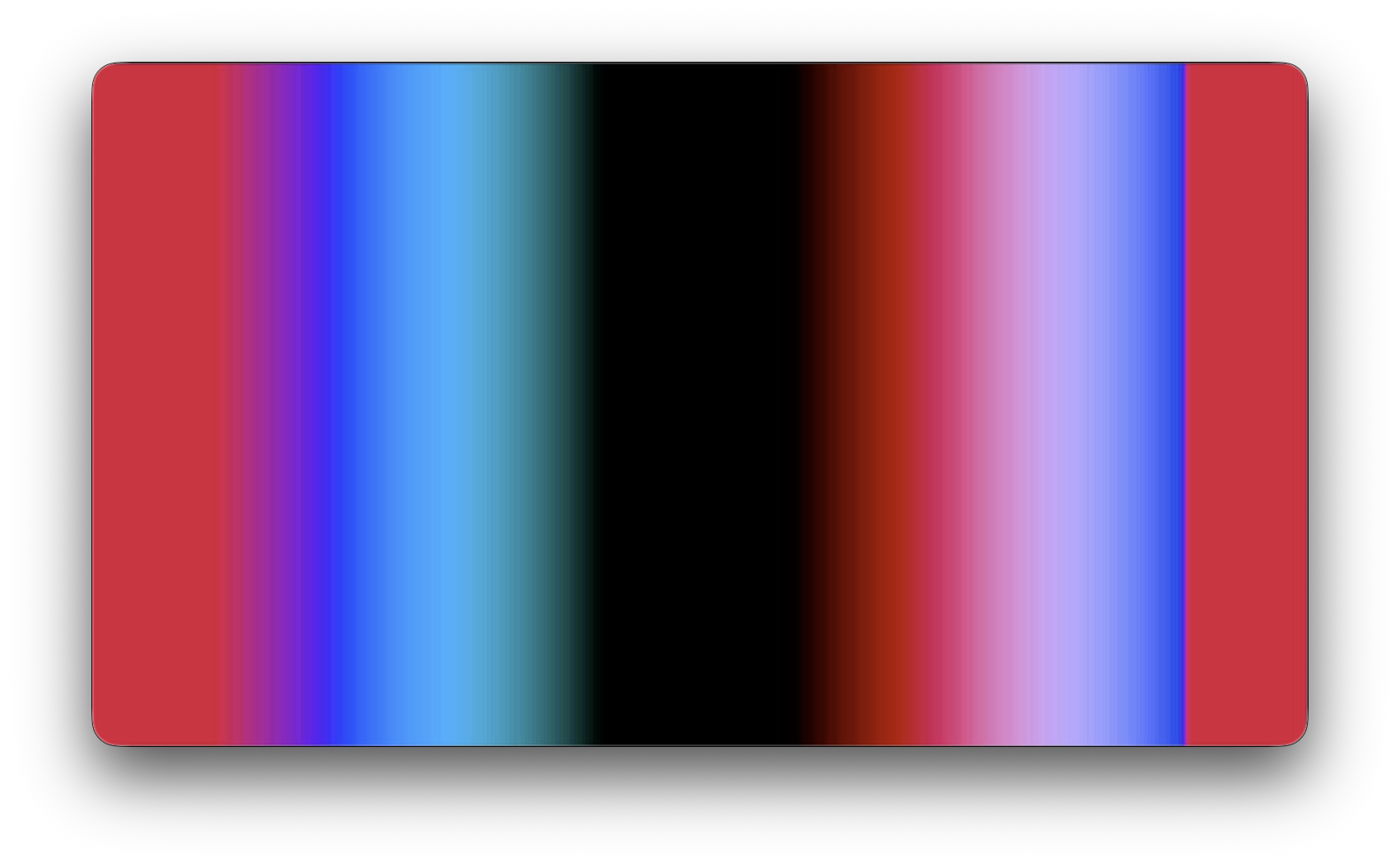
Artisanal palette
A palette with discontinuities across the range. You could even set each color manually if you like!
void artisanalPalette() {
  for (int i = 0; i < 50; i++) {
    display.setColor(i, i, 0, 0);
  }
  for (int i = 51; i < 100; i++) {
    display.setColor(i, 255-i, 0, i);
  }
  for (int i = 101; i < 150; i++) {
    display.setColor(i, i/2, (i * i) % 255, 37);
  }
  for (int i = 151; i < 200; i++) {
    display.setColor(i, (i * 17) % 255, i, 0);
  }
  for (int i = 200; i < 255; i++) {
    randomSeed(millis() / 1000);
    int r = random(256);
    int g = random(256);
    int b = random(256);
    display.setColor(i, r, g, b);
  }
  display.setColor(255, 0, 0, 0);
  display.swap(false, true);
}